
Appearance
Skip to content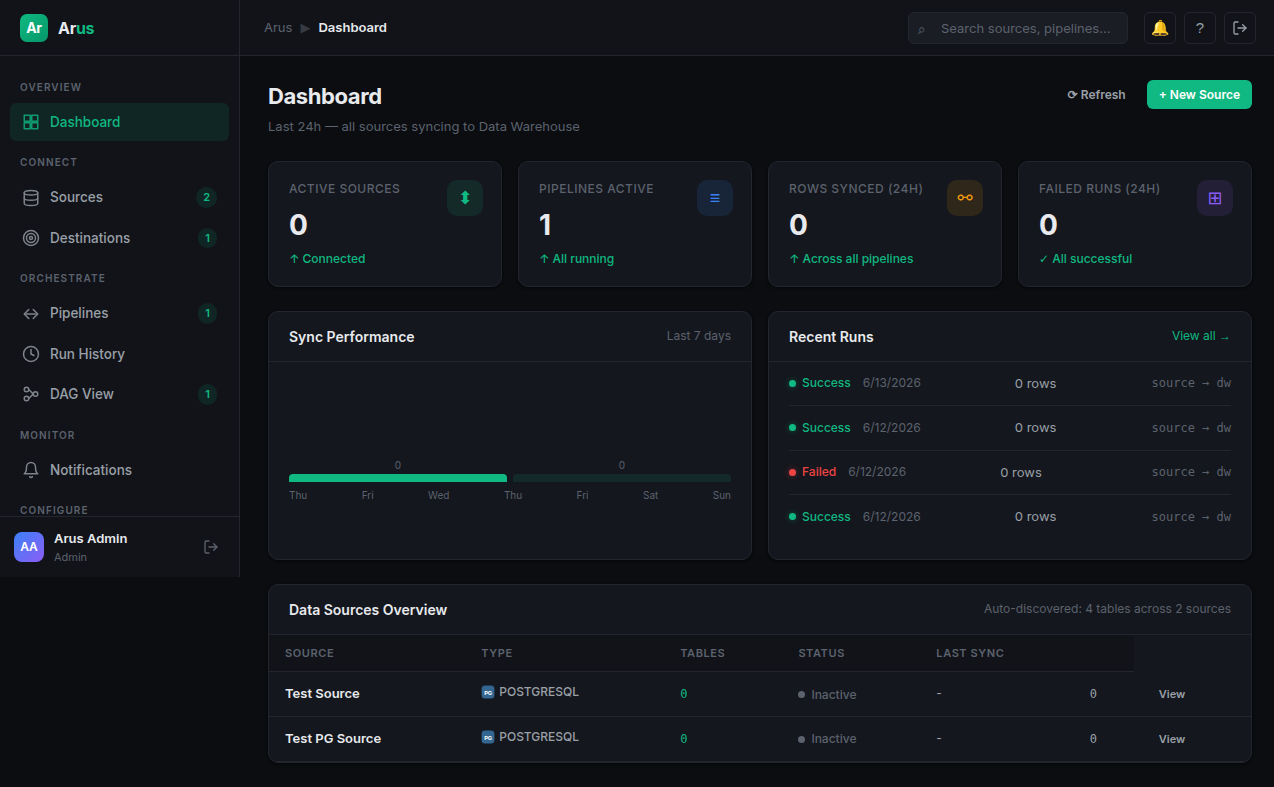
LIGHTWEIGHT CDC & ETL
Data flows without the cluster.
A self-hosted CDC & ETL platform that runs on a single VPS. No Kubernetes, no Kafka, no complexity. Just docker compose up.
Pipeline: users_syncRunning
Source
PostgreSQL
MySQL
MariaDB
Raw
users_raw
orders_raw
Target
users
orders
3Supported Sources
2Sync Modes
3Containers
~200MBRAM Idle
Everything you need for data ingestion on a VPS.
CDC & ETL
Built-in change data capture with watermark-based incremental sync. No Kafka dependency.
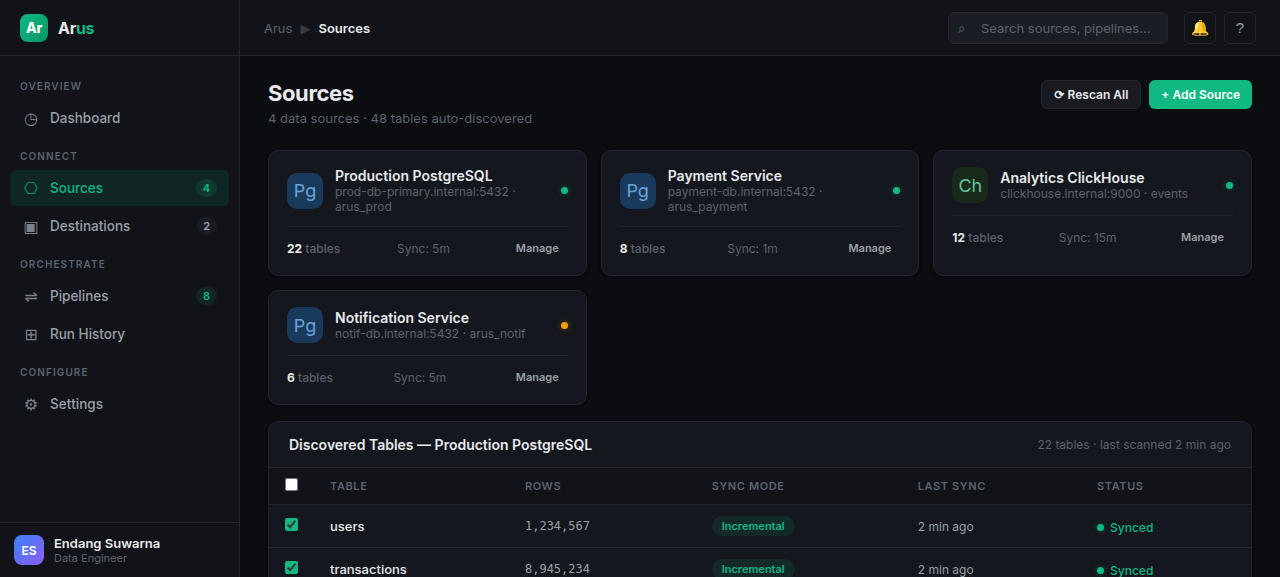
Auto-discover Tables
Automatically detects source tables, maps columns and data types to your warehouse.
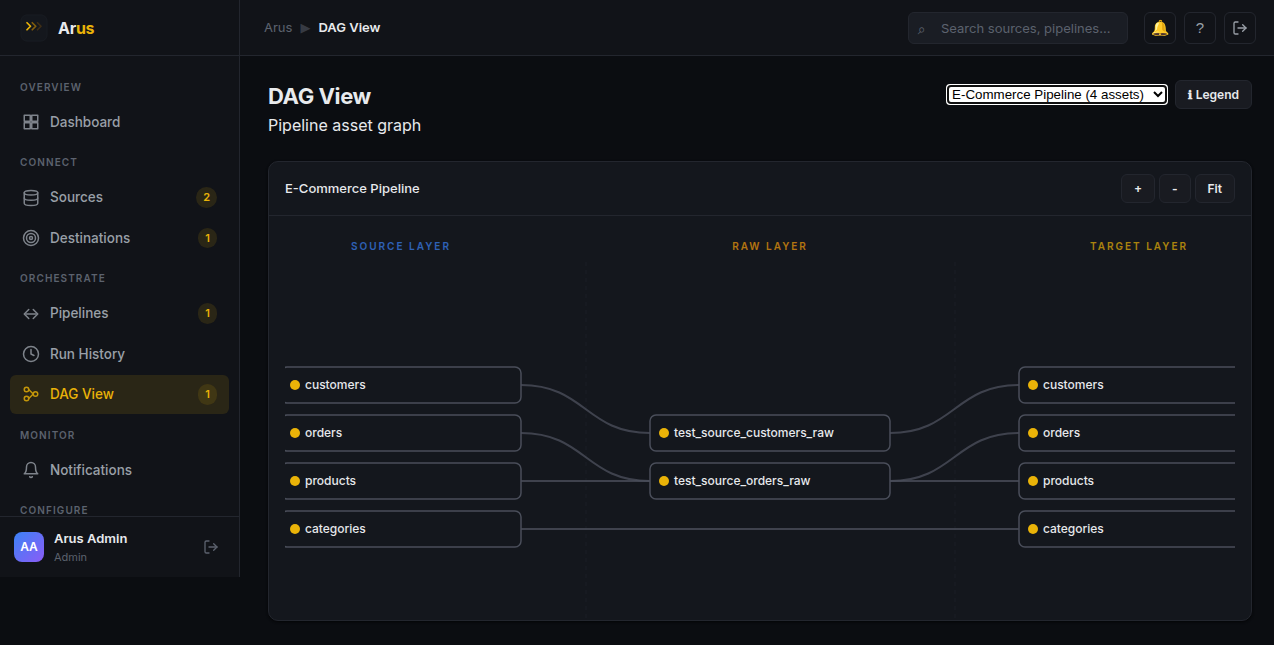
Visual DAG
Interactive DAG visualization showing pipeline structure and real-time run status.
Scheduling
APScheduler cron-based scheduling with configurable intervals and auto-retry.
Schema Drift Detection
Automatic detection of column changes and optional auto-ALTER to keep in sync.
Alerting
Send notifications to Telegram, Discord, or Slack on pipeline failures and anomalies.
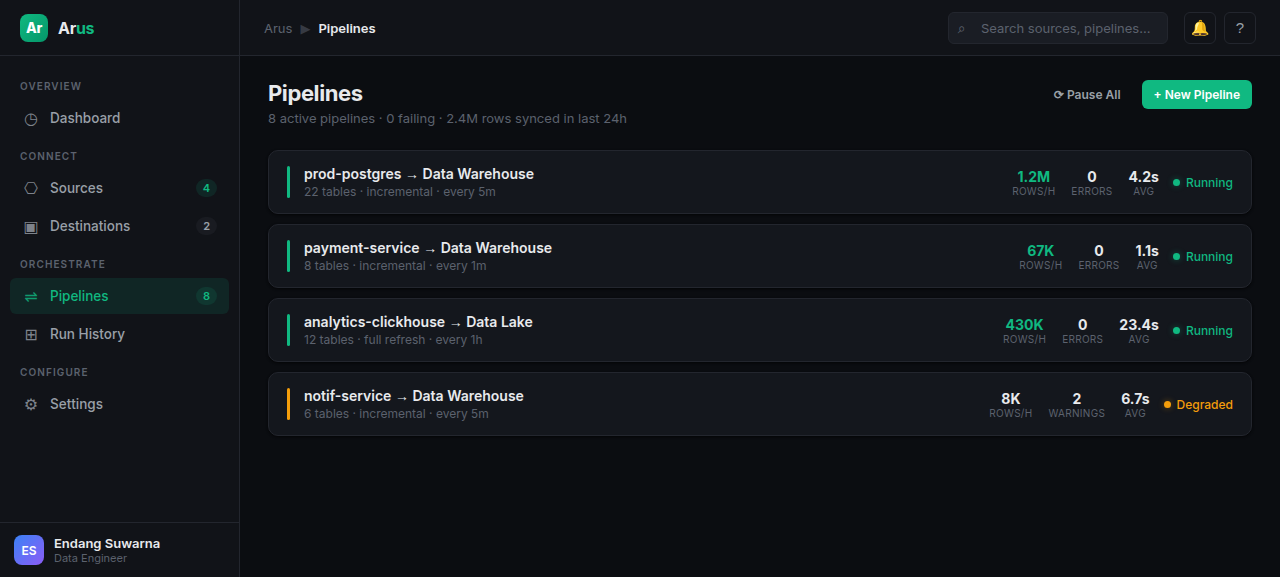
Run History & Logs
Full audit trail of pipeline runs with structured logs and performance metrics.
Dead Letter Queue
Failed rows are captured and stored for inspection without blocking pipeline execution.
Connect your databases.
PostgreSQL
MySQL
MariaDB
More coming
Three steps to flowing data.
1
Connect
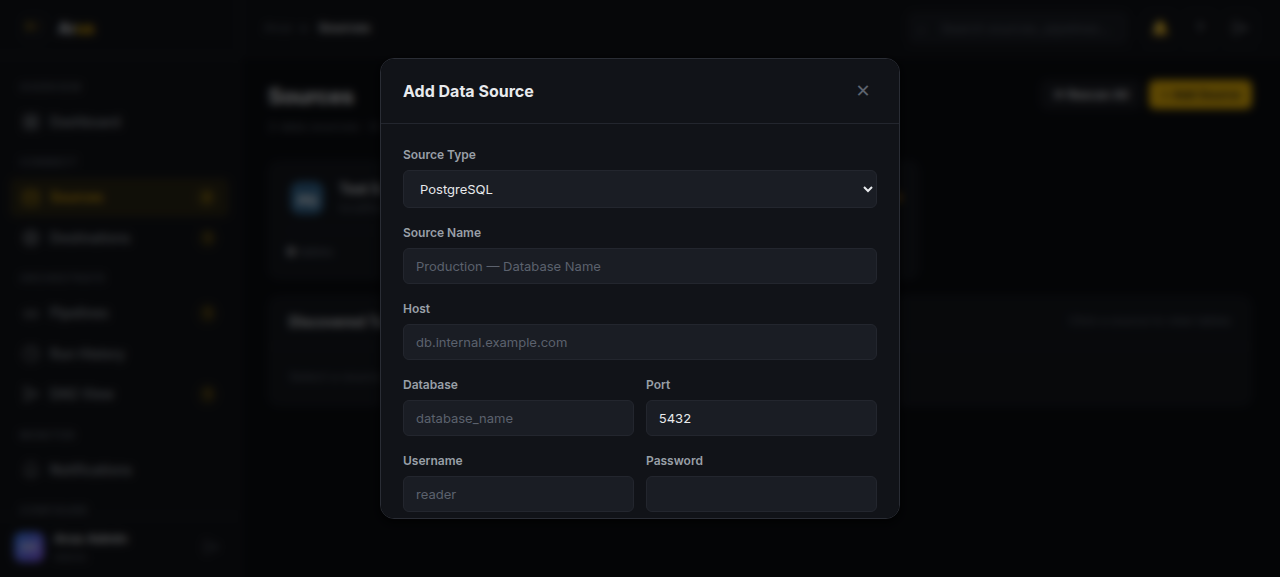
Add your source database — PostgreSQL, MySQL, MariaDB, or MongoDB.
2
Configure
Select tables, choose sync mode (full or incremental), and set scheduling.
3
Monitor
Watch your data flow through the DAG dashboard with run history and alerts.
Built for teams without a dedicated infra team.
| Feature | Arus | Airbyte OSS | Debezium | Custom Script |
|---|---|---|---|---|
| Kubernetes required | ❌ No | ✅ Yes | ❌ No* | ❌ No |
| DAG / Pipeline UI | ✅ Built-in | ✅ Basic | ❌ | ❌ |
| Setup time | 2 hours | 1-2 days | 3-5 days | 1 hour (no UI) |
| RAM usage (idle) | ~200MB | ~2GB | ~3GB+ | ~100MB |
| Auto-retry | ✅ | ✅ | ✅ | ❌ |
| Schema drift handling | ✅ Auto | ✅ Auto | ✅ | ❌ |
| Dead letter queue | ✅ | ✅ | ❌ | ❌ |
| Connector language | Python | Python | Java | Anything |
One command to start.
Copy & paste in your terminal
cat > .env << EOF
ARUS_JWT_SECRET=$(openssl rand -hex 32)
ARUS_ENCRYPTION_KEY=$(openssl rand -hex 32)
ARUS_DB_USER=arus
ARUS_DB_PASSWORD=arus_secret
ARUS_DB_NAME=arus_warehouse
ARUS_ADMIN_EMAIL=admin@arus.io
ARUS_ADMIN_PASSWORD=admin123
POSTGRES_USER=arus
POSTGRES_PASSWORD=arus_secret
POSTGRES_DB=arus_warehouse
EOF

docker network create arus-net

docker run -d --network arus-net --name arus-db \
  -v arus-db-data:/var/lib/postgresql/data \
  --env-file .env \
  postgres:15-alpine

docker run -d --network arus-net --name arus-api -p 8081:8081 \
  -e ARUS_DB_HOST=arus-db \
  --env-file .env \
  registry.edsuwarna.xyz/arus-api:main-latest

docker run -d --network arus-net --name arus-console -p 8082:80 \
  registry.edsuwarna.xyz/arus-console:main-latest
Your console will be at http://localhost:8082 — login with ARUS_ADMIN_EMAIL / ARUS_ADMIN_PASSWORD from your .env (defaults: admin@arus.io / admin123)
Ready to ship data pipelines without the overhead?
Get Arus running on your VPS in under 10 minutes.